
PYRAMYD
Solutions

Governance & Admin

GA

Taxonomy Browser

Browse and edit user + vendor taxonomies. Discovery, extraction, and import jobs.

4 top capabilities23 featuresIn the Product Graph

What it is

Taxonomy Browser.

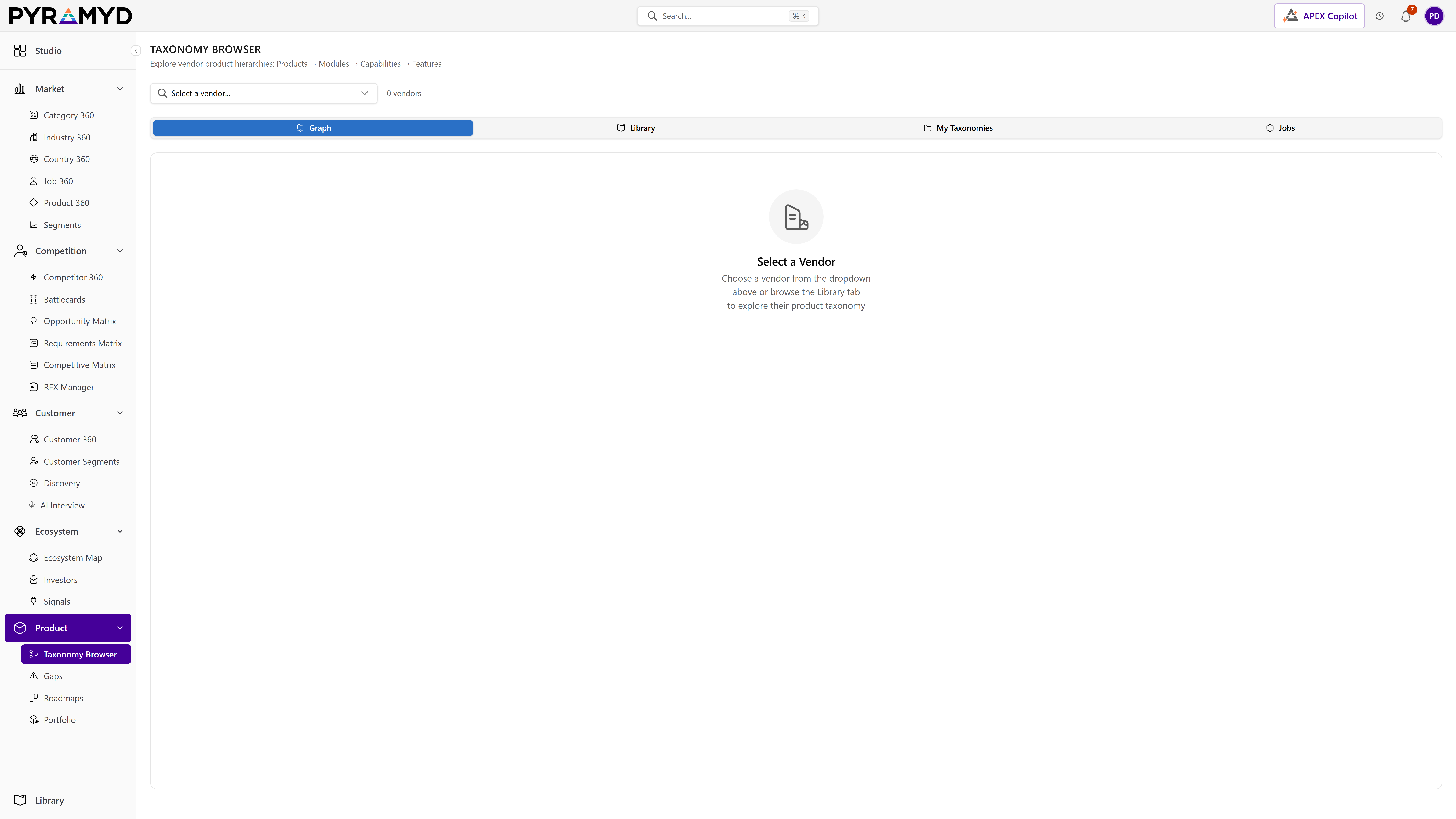
Taxonomy Browser is the surface for managing your workspace's taxonomies. Browse the live taxonomy trees (industries, categories, products, personas, your own custom taxonomies) in a hierarchical view. Edit taxonomy nodes in place. Run a discovery agent to find missing nodes from your own data. Extract a new taxonomy from any document or seed list. Import an existing taxonomy from CSV, JSON, or another tool. Track enrichment jobs that auto-fill descriptions, definitions, and signals for every node.

See it in the product

Taxonomy Browser in the workspace.

Top 5 capabilities

The most-built-out capability set.

Each capability is the parent of dozens of typed features in the production taxonomy. Hover any feature in Studio to drill into the underlying nodes.

01

Hierarchical Browser + Editor

7 features

The hierarchical browser renders any taxonomy as an expandable tree. Drag to reorder. Double-click to rename. Click any node to open the detail panel with definition, hierarchy parents, sibling cousins, and downstream usage counts. Every edit versions and audits.

02

Discovery Agent

6 features

The Discovery agent runs a pass over your own data (products without a category, reviews mentioning an unmapped feature, customer feedback referencing a missing persona) and proposes new taxonomy nodes to fill the gaps. Each proposal carries the supporting evidence so a human reviewer can approve or reject in one click.

03

Extract Modal

5 features

Need to bootstrap a new taxonomy? The extract modal accepts a seed document (PDF, URL, pasted text), a CSV of leaf nodes, or a competitor's site, and produces a structured taxonomy tree with proposed definitions per node. Edit before commit.

04

Import + Enrichment Jobs

5 features

Import existing taxonomies in CSV or JSON. Once imported, an enrichment job auto-fills descriptions, definitions, principal-filter values, and downstream signal mappings for every node. The job panel tracks progress with per-row status.

See Taxonomy Browser running against your category.

30-minute walkthrough. We'll filter the workspace to your category and walk through the top capabilities live.