
PYRAMYD
Solutions

Foundation

GA

Alerts Workspace

Cross-node alert rules + inbox. Trigger on any change to products, competitors, reviews, signals, ecosystem.

4 top capabilitiesIn the Product Graph

What it is

Alerts Workspace.

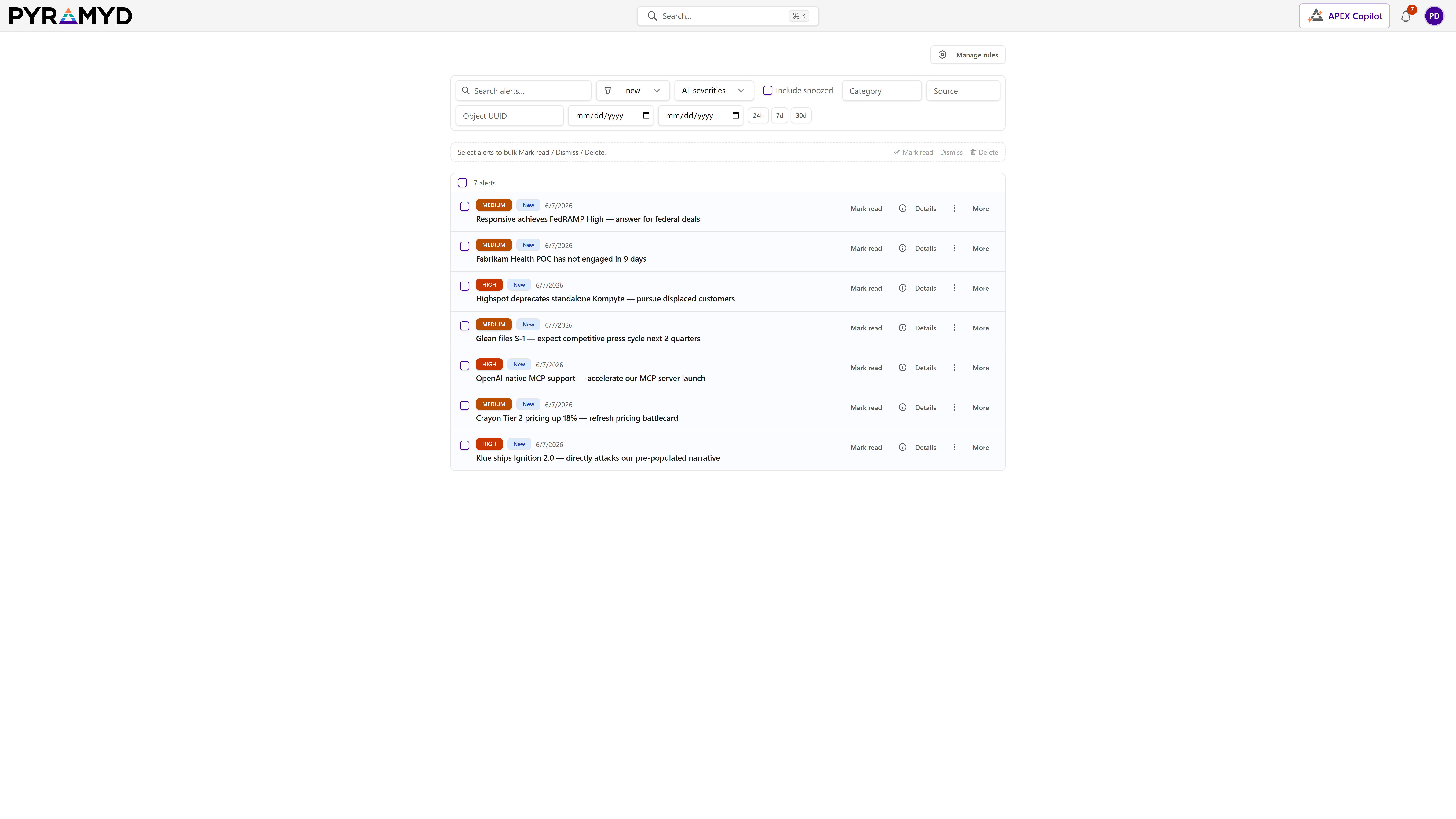
Alerts Workspace is the notification center where you review alerts raised by your rules across competitive signals, news, and the entities you track. It brings together inbox triage, rule authoring with delivery channels and throttling, account-wide notification preferences, and an AI assistant that helps you triage alerts through conversation.

See it in the product

Alerts Workspace in the workspace.

Alerts Workspace screenshot from the production workspace

Top 4 capabilities

The most impactful capabilities.

Each capability is the parent of dozens of typed features in the production taxonomy. Hover any feature in Studio to drill into the underlying nodes.

01

Rules anchored to typed entities

A rule scopes itself with entity keys rather than a text query, and the matcher checks those keys on the event. Tracking a node synthesises its rule automatically and untracking removes it, so the watch list and the alert rules cannot drift apart.

02

Throttling re-asserted inside the insert

The same three conditions are expressed as correlated subqueries within the insert itself, so two evaluations running concurrently cannot both slip an alert through — the failure mode every read-then-write throttle eventually hits.

03

Dry-run against history, with the misses explained

A replay reports how many were evaluated, how many matched and the hit rate, and every miss carries a machine-readable reason such as the anchor that failed. A paused rule is evaluated as if active, so it can be proven before it is switched on.

04

Quiet hours defer rather than discard

Nothing is lost to a timezone. A preference layer then intersects the rule's channels with what the recipient has enabled and drops muted categories, reporting each drop rather than failing silently.

See Alerts Workspace running against your category.

30-minute walkthrough. We'll filter the workspace to your category and walk through the top capabilities live.