
PYRAMYD
Solutions

Foundation

GA

Library

Cross-tenant content library with full usage tracking · share-link analytics, audit, performance, last-used.

4 top capabilities20 featuresIn the Product Graph

What it is

Library.

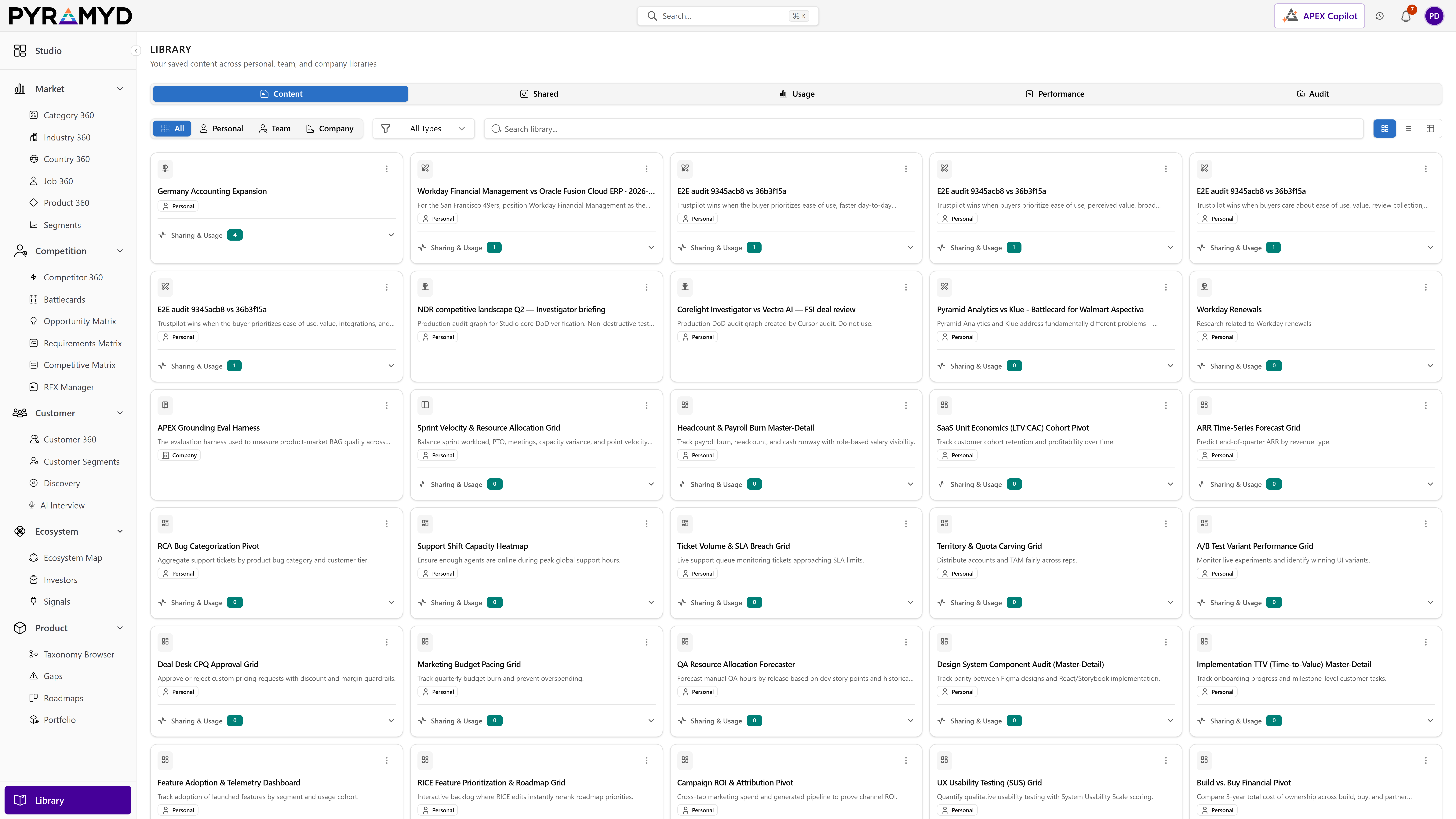
Library is the shared home for every item you own or can access, saved once from anywhere in the product and easy to find again. It brings together a browsable collection with grid, list, and table views, a simple save flow with tags and notes, permission-based sharing with shareable links, and engagement and audit insights into how your content is used. A guided first-visit experience helps new users get oriented quickly.

See it in the product

Library in the workspace.

Library screenshot from the production workspace

Top 4 capabilities

The most impactful capabilities.

Each capability is the parent of dozens of typed features in the production taxonomy. Hover any feature in Studio to drill into the underlying nodes.

01

Saved Content Browser

8 features

The Saved Content Browser lists every item you own or can access. It offers All, Personal, Team, and Company scope tabs, a filter by content type, fast search, and a choice of grid, list, or detailed table views. Open any item with a double-click, or remove it from your library directly from its card.

02

Engagement and Audit Insights

5 features

Engagement and Audit Insights summarize activity and sharing for the items you own. They chart engagement over time, list recent visits, rank your content by performance, break down usage per item, and present a complete chronological history that you can filter by time period and type of activity.

03

Sharing and Access

4 features

Sharing and Access determines which items appear in your Library based on ownership, explicit permission grants, team and company visibility, and public availability. It shows summaries of shared content, active share-link usage, and clear, expandable detail on why you can see each item.

04

Save to Library

3 features

Save to Library lets you save any item from anywhere in the product and assign it owner access. A quick menu sets the scope on the spot, a full dialog adds tags and notes, and you can later move an item between personal, team, and company scope as needs change.

See Library running against your category.

30-minute walkthrough. We'll filter the workspace to your category and walk through the top capabilities live.