
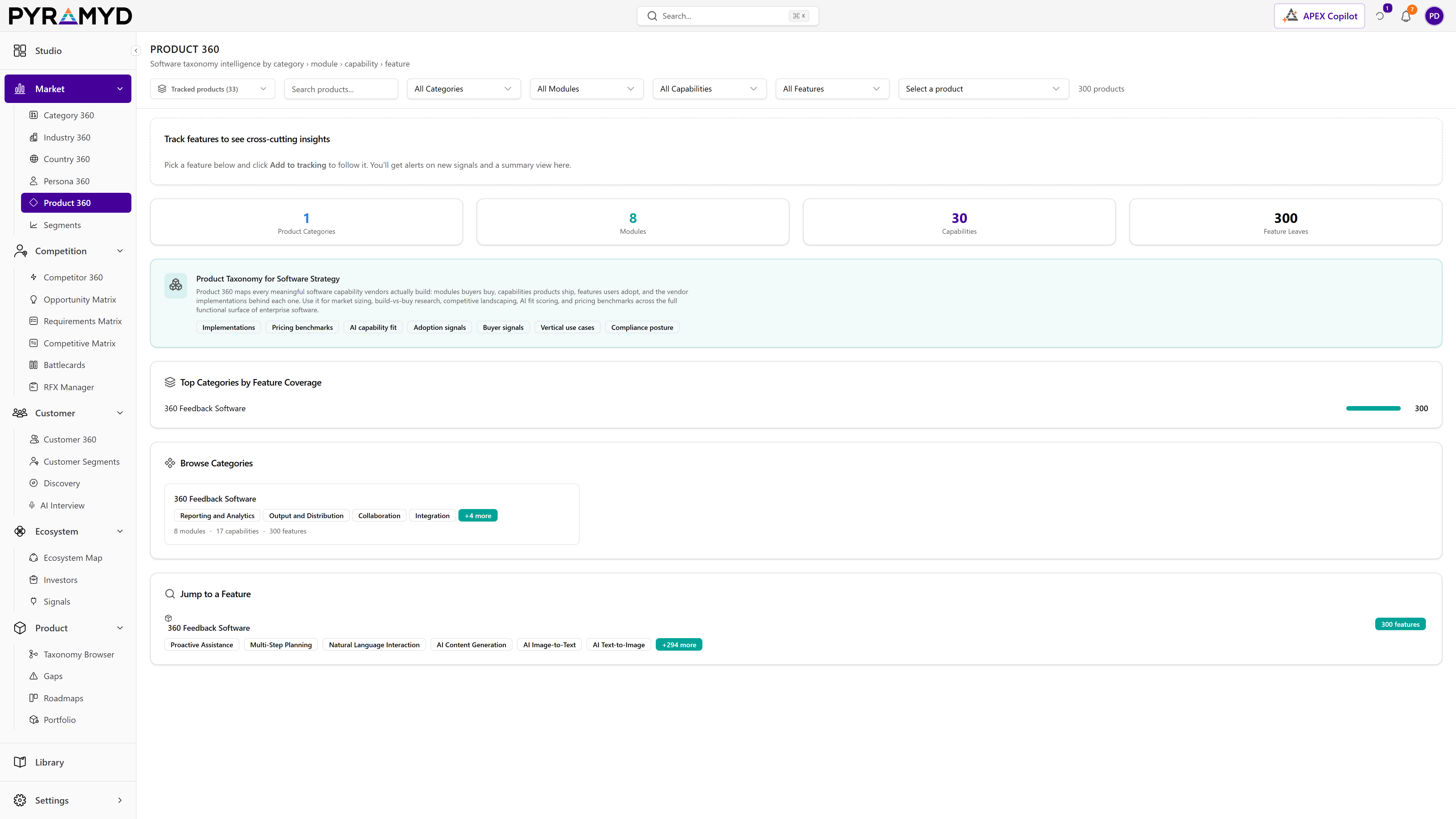
Standard Taxonomy View
2 features
Standard Taxonomy View presents the canonical ten-section profile of the product's category, mirroring the Category 360 layout at the product-feature level.
Explore hub
GA251K+ branded products. Reviews, scores, releases, connectors, signals.
What it is
Product 360 profiles a software product two ways, with a toggle to switch between them. The standard view presents the canonical ten-section category profile. The vendor view goes deep on a specific branded product, covering its overview, features, reviews, pricing, market, technology, operations, compliance, landscape, and latest signals, drawing on the product's own reviews and enriched feature set.
See it in the product

Top 4 capabilities
Each capability is the parent of dozens of typed features in the production taxonomy. Hover any feature in Studio to drill into the underlying nodes.
2 features
Standard Taxonomy View presents the canonical ten-section profile of the product's category, mirroring the Category 360 layout at the product-feature level.
2 features
Vendor Features lays out a branded product's capabilities as a clear hierarchy, from module to capability to individual feature, with per-feature scores, review counts, coverage, and enrichment.
2 features
Vendor Reviews and Pricing brings together the branded product's reviews, sentiment, and pricing, aggregated across multiple review sources.
2 features
Vendor Technology and Landscape shows the branded product's technology stack, market position, and surrounding competitive landscape.
More from the Explore hub
Company-graph view of competitor GTM ecosystems · partners, channels, funding, events, signals.
Investor-graph explorer. Per-investor 360 · portfolio, signals, theses.
163 sub-industries. Sector → group → industry → sub-industry. Live.
249 country markets. Region, sub-region, regulatory posture, demand signals.
2,606 software categories. Concentration, leaders, top products, refresh weekly.
4,329 jobs across 28 modules. Software needs, decision makers, spend per seat.
30-minute walkthrough. We'll filter the workspace to your category and walk through the top capabilities live.