
PYRAMYD
Solutions

Studio

GA

Studio Canvas

Whiteboard the workspace. Diagram strategy. Map the graph.

5 top capabilities105 featuresFrom pyd_product_taxonomy

What it is

Studio Canvas — in one paragraph.

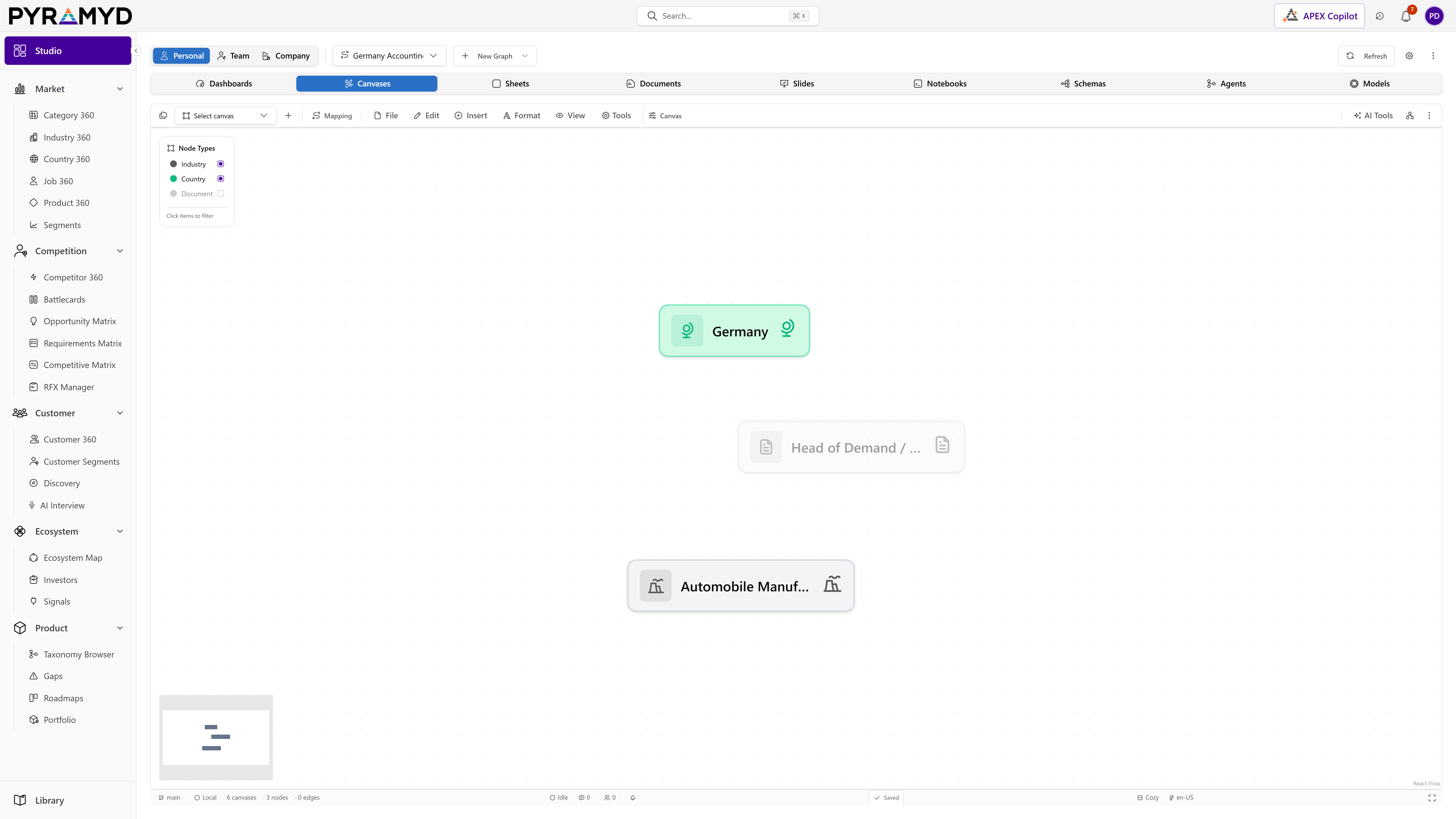
Studio Canvas for Product Graph is the visual graph authoring surface inside Pyramyd Studio. Built on @xyflow/react v12 with a Pyramyd-themed renderer, it lets users create free-form canvases of nodes drawn from the 78 universal node types (Entities, Products, Revenue, Operations, Systems, Documents, People, Places, Events, Concepts), wire them with typed relationships, and apply real-time layout algorithms (Force, Dagre, ELK, Radial, Circle, Layered, Manual). It persists per-graph state to /api/canvases with denormalised health/topology stats, supports real-time collaboration via Y.Doc + Hocuspocus, ships 30 facilitation templates across 10 business domains, and exposes ~200 controls plus ~100 graph-utility helpers (edge bundling, centrality, path finding, alignment, schema validation, AI generation, snapshots, presentation mode, embeds, accessibility audits).

Top 5 capabilities

The most-built-out capability set.

Each capability is the parent of dozens of typed features in the production taxonomy. Hover any feature in Studio to drill into the underlying nodes.

01

Node Geometry and Layout Utilities

26 features

Node Geometry and Layout Utilities for Product Graph. Node Geometry and Layout Utilities are pure compute helpers for node positions and visual attributes: alignAndDistribute, alignToGrid, bulkNudge, magneticSnap, smartReroute, rotateGraph, rotateSelection, uniformResize, duplicateAtCursor, insertNodeOnEdge, chainExtender, connectAllPairs, convexHull, resolveCollisions, subflowGrouping, subgraphCollapse, subtreeCollapse, mergeUpstreamNodes, nodeAgeColoring, nodeAlignmentGuides, nodeBatchSelector, nodeCohortGrouper, nodeMinimize, nodeOperations, nodePositioning (smart placement), nodeReadingOrder, nodeRelations, drillDown.

02

Edge Geometry and Routing Utilities

23 features

Edge Geometry and Routing Utilities for Product Graph. Edge Geometry and Routing Utilities are pure compute helpers for transforming edge geometry: edgeBundleClusterer, edgeBundleByEndpoint, edgeJunctionMerger, edgeKnotResolver, edgePolylineSimplifier, edgeReroutePoint (orthogonaliseWaypoints), edgeCollisionAvoider, edgeCrossingMinimizer, edgeEndpointTrim, edgeShortenByOverlap, edgeCurveDirection, edgeCategorySplit, edgeDedup, edgePruner, edgeLengthMinimizer, edgeWaypointInjector, edgeColorSync, edgeAgeFade, edgeOpacityByAgeStamp, edgeFreshnessHalo, edgeChainBuilder, edgeFlowAnimator, edgePathAnimator.

03

Node Editing

19 features

Node Editing for Product Graph. Node Editing is the umbrella for every direct-manipulation control that targets a single node. It bundles in-place editors (InlineLabelEditor, NodeRenamePopover), structural handles (NodeResizerOverlay, NodeRotateHandle, NodeHandlePositionOverride), state toggles (NodePinToggle, NodeLockOverlayBadge), and visual tweaks (NodeColorTagPalette, NodeShapeCycler, NodeBoldOutline, NodeShadowGlowAura).

04

Selection and Multi-edit

19 features

Selection and Multi-edit for Product Graph. Selection and Multi-Edit covers: marquee + lasso selection tools, the multi-select inspector + panel, selection bounding box, selection grow / clear shortcuts, selection sort, batch updaters (BulkRenameDialog, BulkTagEditor, BulkJsonInspector), and selection summary stats.

05

Overlays and Analytics Visualisations

18 features

Overlays and Analytics Visualisations for Product Graph. Overlays and Analytics Visualisations are the toggleable layers that sit above the node/edge canvas: centrality glow, density heatmap, color-by-property gradients, hull groups, Voronoi cells, edge bundling rings, edge particles, reading order, topological order, connected components, cycle highlights, outliers, and watermarks.

See Studio Canvas running against your category.

30-minute walkthrough. We'll filter the workspace to your category and walk through the top capabilities live.