
PYRAMYD
Solutions

Studio hub

GA

Studio Notebooks

JupyterLab on the live graph. `pyramyd.query()` returns a DataFrame in one line · PYRAMYD widgets render inline · Y.Doc multiplayer with the workspace.

1 top capabilities7 featuresIn the Product Graph

What it is

Studio Notebooks.

Studio Notebooks is the computational notebook inside PYRAMYD Studio. It runs interactive analysis against your live data, combining executable code, richly formatted notes, and graph-aware visualization blocks in a single document. You get sixteen built-in visualizations, multiple export formats, real-time collaboration, snapshots, reusable templates, and an AI command bar, so analysts can move from raw data to a polished, shareable narrative without leaving the page.

See it in the product

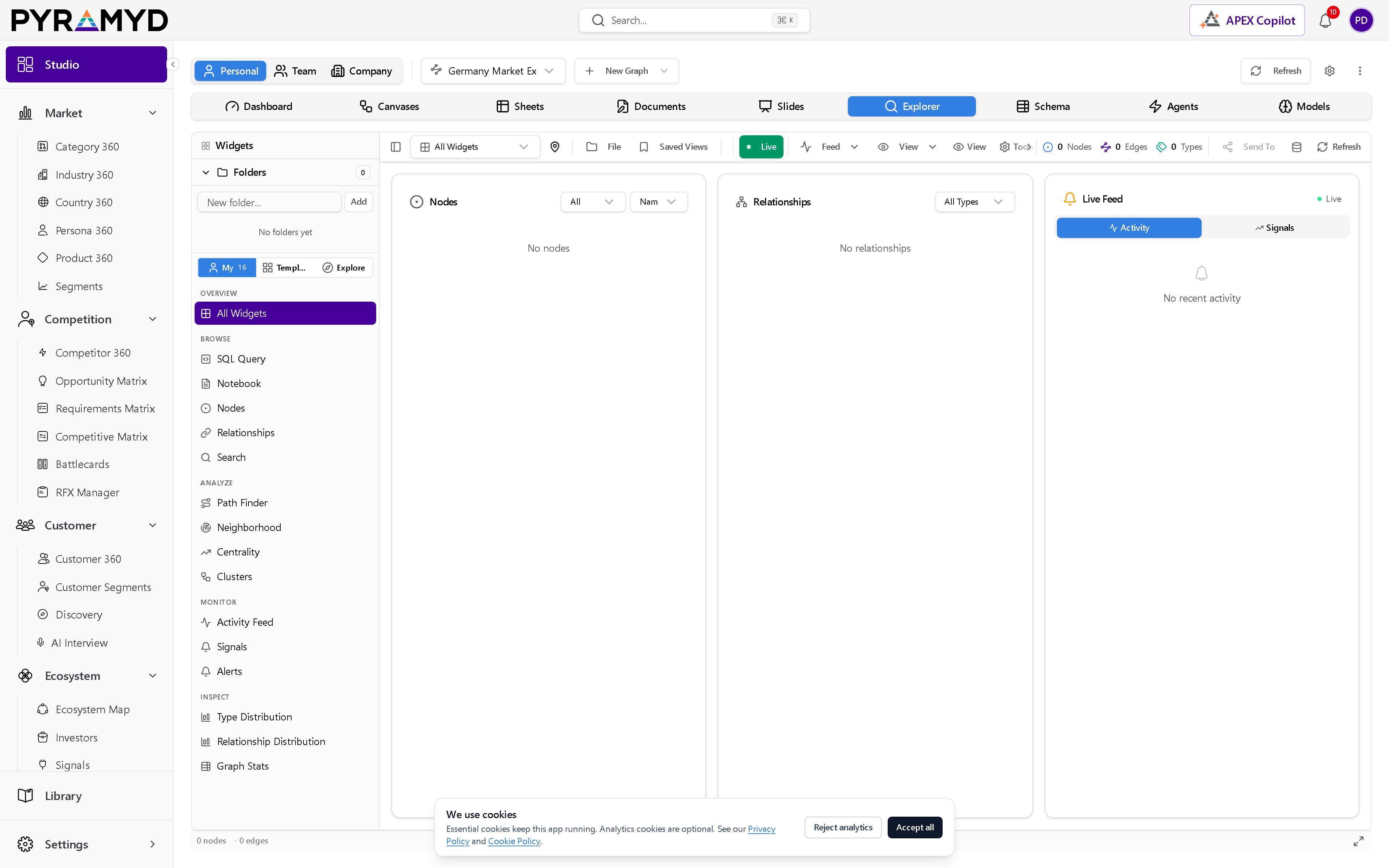
Studio Notebooks in the workspace.

Studio Notebooks screenshot from the production workspace

Top 1 capabilities

The most impactful capabilities.

Each capability is the parent of dozens of typed features in the production taxonomy. Hover any feature in Studio to drill into the underlying nodes.

01

Notebook Operations

7 features

Notebook Operations covers the everyday actions for managing a notebook. Create a new notebook, open an existing one, save your work, duplicate it, rename it, close it, or move it to the trash. Saving and duplicating preserve your full cell order and results, while renaming and trashing update your library instantly.

See Studio Notebooks running against your category.

30-minute walkthrough. We'll filter the workspace to your category and walk through the top capabilities live.