01
Keyboard Commands
57 features
Keyboard Commands for Product Graph covers the full set of keyboard-driven entry points. It includes a command palette opened with cmd or ctrl plus k, a quick switcher for jumping to a slide by title, a shortcuts dialog that lists every binding, and a registry of platform-aware bindings for editing, navigation, formatting, presentation, save, undo, redo, copy, paste, duplicate, delete, group, ungroup, align, distribute, find, replace, insert, and mode switching. Bindings respect input-focus context so typing inside text blocks does not trigger global commands.
02
Text Editing
38 features
Text Editing for Product Graph drives the inline rich-text overlay that appears when an author double-clicks a text block. It exposes bold, italic, underline, strikethrough, inline link, inline highlight, font family picker, font size picker, text color picker, background color, alignment (left, center, right, justify), vertical alignment, line height, letter spacing, lists, blockquote, code block with syntax highlighting, KaTeX math, smart punctuation, slash command, bubble menu, floating menu, search and replace, character count limit, and persistent recent-color and recent-font palettes.
03
AI Generation
36 features
AI Generation for Product Graph creates entire decks from a natural-language instruction by delegating to an external generation service. Generation knobs include free-text instructions, six tones (default, casual, professional, funny, educational, sales pitch), three verbosity modes (concise, standard, text-heavy), web search, stock or AI image type, slide count, language, template id, theme, smart design, content generation mode (preserve, enhance, condense), markdown emphasis, table-of-contents flag, title-slide flag, export format, optional webhook trigger, and a saved-prompt override.
04
Canvas Rendering
36 features
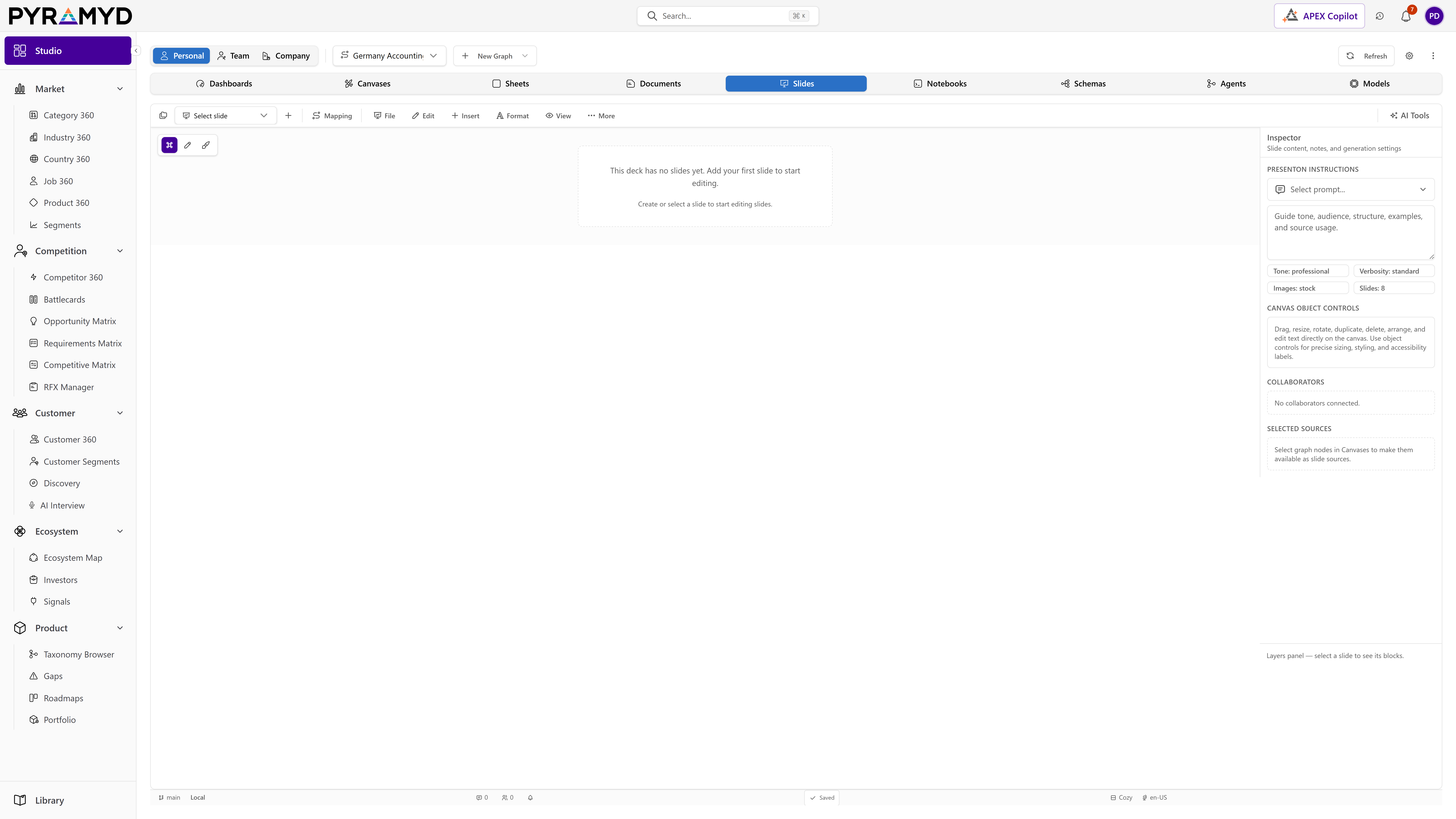
Canvas Rendering for Product Graph provides the central authoring surface that displays a fixed 16:9 slide rectangle, fits it to the viewport, and applies zoom and pan with bounded min and max scales. It draws an optional dot grid, snap-to-grid behavior, smart alignment guides, slide bleed margins, and a soft drop shadow around the slide rectangle. Canvas Rendering coordinates pointer events, hit-testing, and selection rectangles, and forwards every committed drag, resize, and rotate event to the slide state store for persistence and undo tracking.
Inspector for Product Graph hosts the right-side tabbed panel that surfaces per-deck and per-selection controls. Tabs include deck metadata (name, description, tags, favorite, archive, audit footer), deck statistics, deck quality (preflight, hyperlink lint, completion meter), content statistics, backlinks, animations, variables, layers, style presets, comments, and contextual block formatting. Tab visibility adapts to the current selection and the active workspace mode, and panel state is preserved across mode switches.