
PYRAMYD
Solutions

Studio hub

GA

Studio Documents

Long-form documents co-authored with APEX and grounded in the graph.

4 top capabilities7 featuresIn the Product Graph

What it is

Studio Documents.

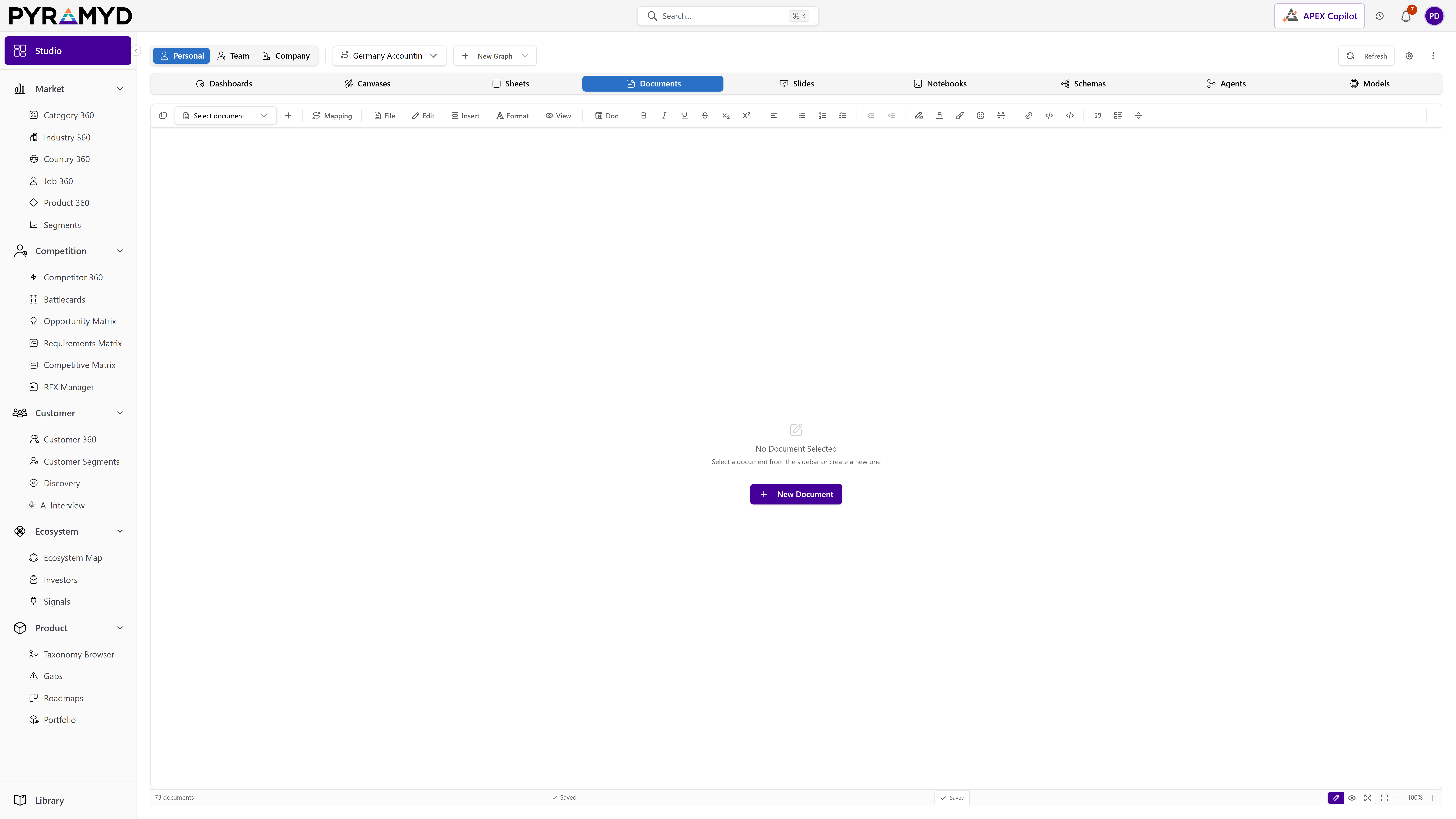
Studio Documents is the long-form writing surface inside Studio, built for rich, multi-page documents. It pairs a complete formatting toolbar and a library of AI writing tools with real-time co-editing, threaded comments, snapshots, tracked changes, and side-by-side version comparison. Documents import from and export to six common formats, stay synced to their original source, and auto-save as you write.

See it in the product

Studio Documents in the workspace.

Studio Documents screenshot from the production workspace

Top 4 capabilities

The most impactful capabilities.

Each capability is the parent of dozens of typed features in the production taxonomy. Hover any feature in Studio to drill into the underlying nodes.

01

AI Writing Cockpit

1 feature

A single footer keeps AI assistance within reach while you write. From it you can watch live AI activity, retry the most recent rewrite, and review usage, so iterating on a draft stays fast without leaving the document.

02

Source Sync and Provenance

1 feature

Documents brought in from connected tools stay tied to their source, with a status badge that updates when the original changes. A spec mapped to delivery tickets, for example, shows when something upstream moved, so your document stays aligned without manual reconciliation.

03

Footnotes, Citations, and References

3 features

Studio Documents supports footnotes, inline citations, and a managed reference list, so research-heavy and formal documents can credit their sources cleanly and keep references organized in one place.

04

Multi-Page Documents

2 features

A single document can hold many ordered pages, managed from a side navigator where you reorder, rename, duplicate, insert, and delete them. It lets one file carry an entire structured document rather than forcing a separate file per section.

See Studio Documents running against your category.

30-minute walkthrough. We'll filter the workspace to your category and walk through the top capabilities live.