PYRAMYD
Solutions

Studio

GA

Studio Agents

Long-running automations on the graph. Trigger → query → transform → action.

5 top capabilities95 featuresFrom pyd_product_taxonomy

What it is

Studio Agents — in one paragraph.

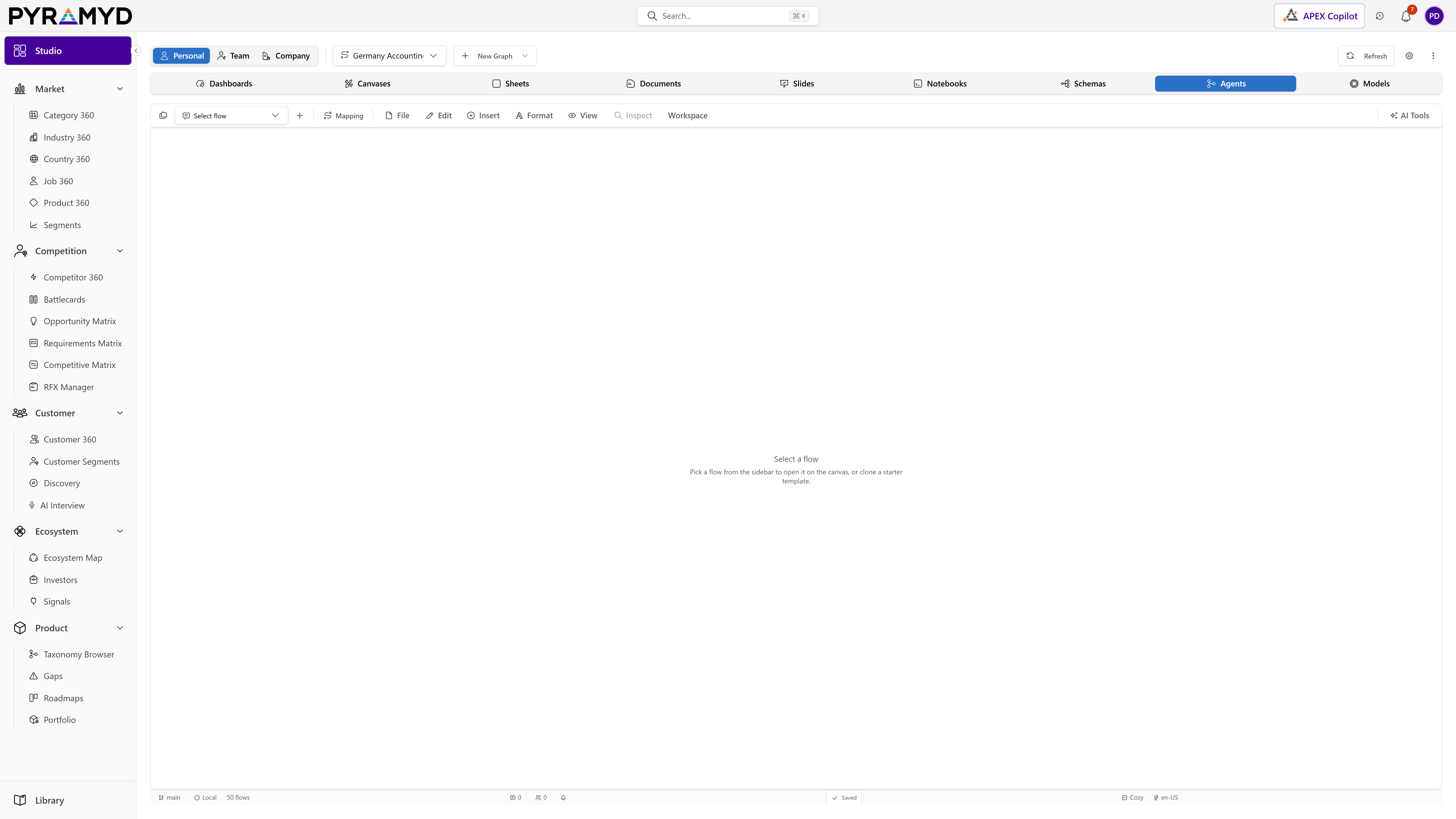
Studio Agents for Product Graph is the Flowise-derived, Pyramyd-native agent and workflow builder that lets users compose AI flows on a drag-and-drop canvas, then run them as APIs, chat embeds, webhooks, MCP servers or scheduled jobs. A palette of ~80 universal node types covers LLM steps, retrievers, vector stores, document loaders, integration actions across 70+ SaaS connectors, control-flow primitives, custom code, voice/image/moderation, sub-agent calls and human-in-the-loop approvals. The compiler turns a flow graph into a ReAct-loop runtime executed by a BullMQ worker pool with full telemetry (span tracing, cost rollups, token meters), durable snapshots, version history, evaluation datasets and BYOK credential storage encrypted under a cloud provider KMS. Studio Agents shares its data model with the rest of Product Graph (user_agents, user_agent_runs, user_credentials, etc.) and offers programmatic access via REST API, embeds, public share links, MCP servers and a Copilot bridge.

Top 5 capabilities

The most-built-out capability set.

Each capability is the parent of dozens of typed features in the production taxonomy. Hover any feature in Studio to drill into the underlying nodes.

01

Universal Node Catalog

43 features

Universal Node Catalog for Product Graph Studio Agents ships with approximately 80 universal node types organised across ten categories. Each node has a stable id, a typed parameter schema, declared input and output sockets, optional credential requirements, an icon, a default human-readable label and a documented runtime contract. The catalogue is open-ended: tenants can add custom nodes via the Custom Function node, and Pyramyd ships new nodes through versioned releases.

02

Integration Connector Registry

14 features

Integration Connector Registry for Product Graph Studio Agents ships with 70+ first-party connectors covering CRM, email, calendar, chat, ticketing, files, dev tools, analytics, payments, HR, finance and observability. Each connector is a package declaring: actions (callable from flows), triggers (webhooks), context endpoints (single-record reads), credential schema, auth (OAuth 2.0 / 1.0a / key / JWT) and rate-limit hints. The registry exposes a metadata API used by the inspector to render dynamic forms.

03

Node Inspector and Forms

14 features

Node Inspector and Forms for Product Graph the Inspector is the configuration surface that opens when any node is selected. It renders a tab-based form derived from the node's declared parameter schema, with type-aware widgets (text, number, slider, code editor, JSON editor, credential picker, model picker, vector store picker, file uploader). Each parameter shows inline help, default values, and validation. Advanced tabs expose retries, timeouts, rate-limits, fallback nodes, environment-variable bindings, and metadata for telemetry. The Inspector is also where users view a node's last execution preview (the cached output from the most recent successful run) so they can iterate without re-running the whole flow.

04

Builder Toolbar and Settings

13 features

Builder Toolbar and Settings for Product Graph the toolbar is the persistent control bar above the canvas. It surfaces Run, Stop, Save, Version, Deploy, Share, Embed, Export, Import, Settings and the run-status badge. Settings opens a modal with global flow configuration: name, description, icon, tags, default trigger, cost budgets, rate limits, telemetry sampling, environment variable bindings, allowed embed origins, sharing permissions and the chat assistant persona for embed/chat triggers.

05

Run Panel and Live Tracing

11 features

Run Panel and Live Tracing for Product Graph the Run Panel docks at the bottom of the builder and renders the current or selected run. It streams node-by-node execution spans, live token-by-token LLM output, cost rollups, errors with stack traces, tool-call traces for agent loops, and per-node timing histograms. Users can pin nodes to keep their output visible, replay a run on the same inputs, fork a run from any step, and download trace JSON.

See Studio Agents running against your category.

30-minute walkthrough. We'll filter the workspace to your category and walk through the top capabilities live.